Office Setup Generator · Free to try

Turn a spare corner into a real office

Working from home shouldn't mean a laptop on the kitchen table. Photograph the space you've got and the generator builds a proper office into it — ergonomic desk, dual monitors, a call-ready background and a clear work zone — photoreal, in about thirty seconds.

Free to try · No card required · First render in ~30 seconds
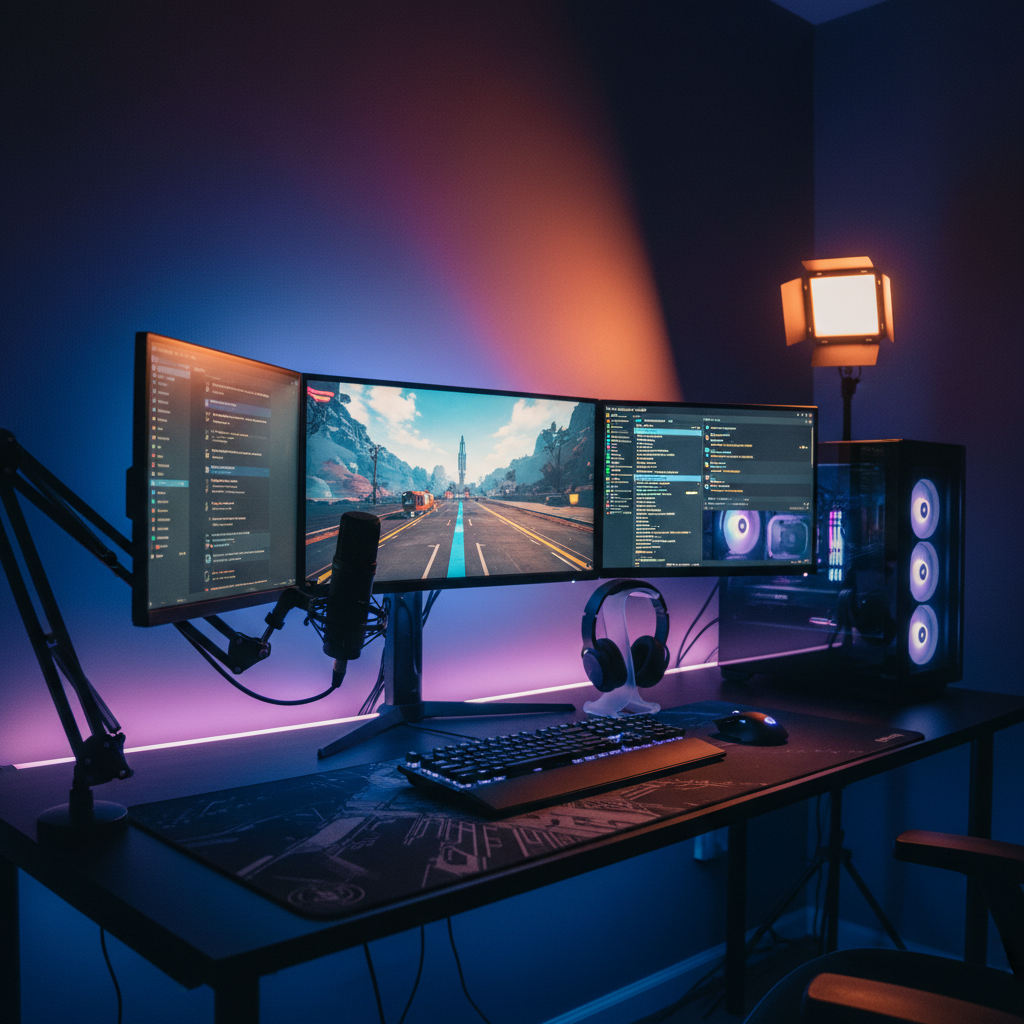
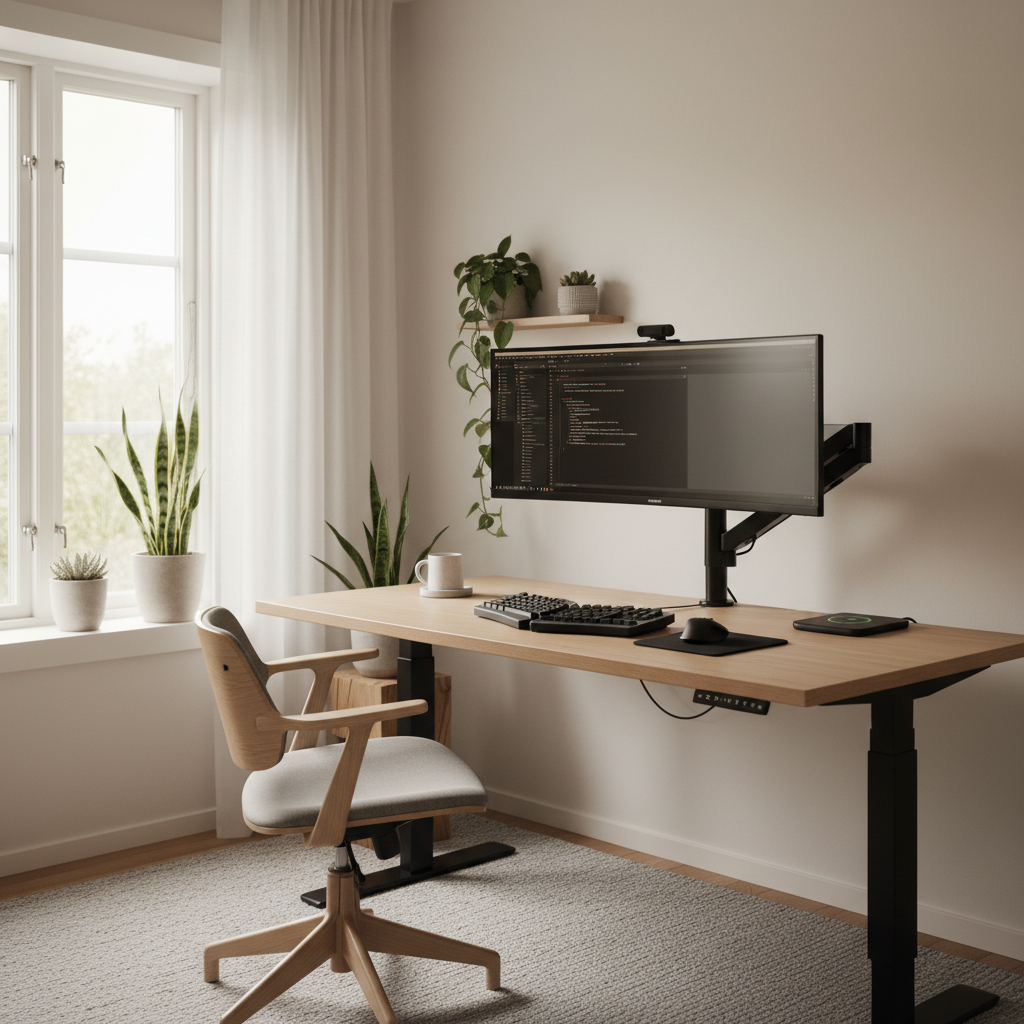
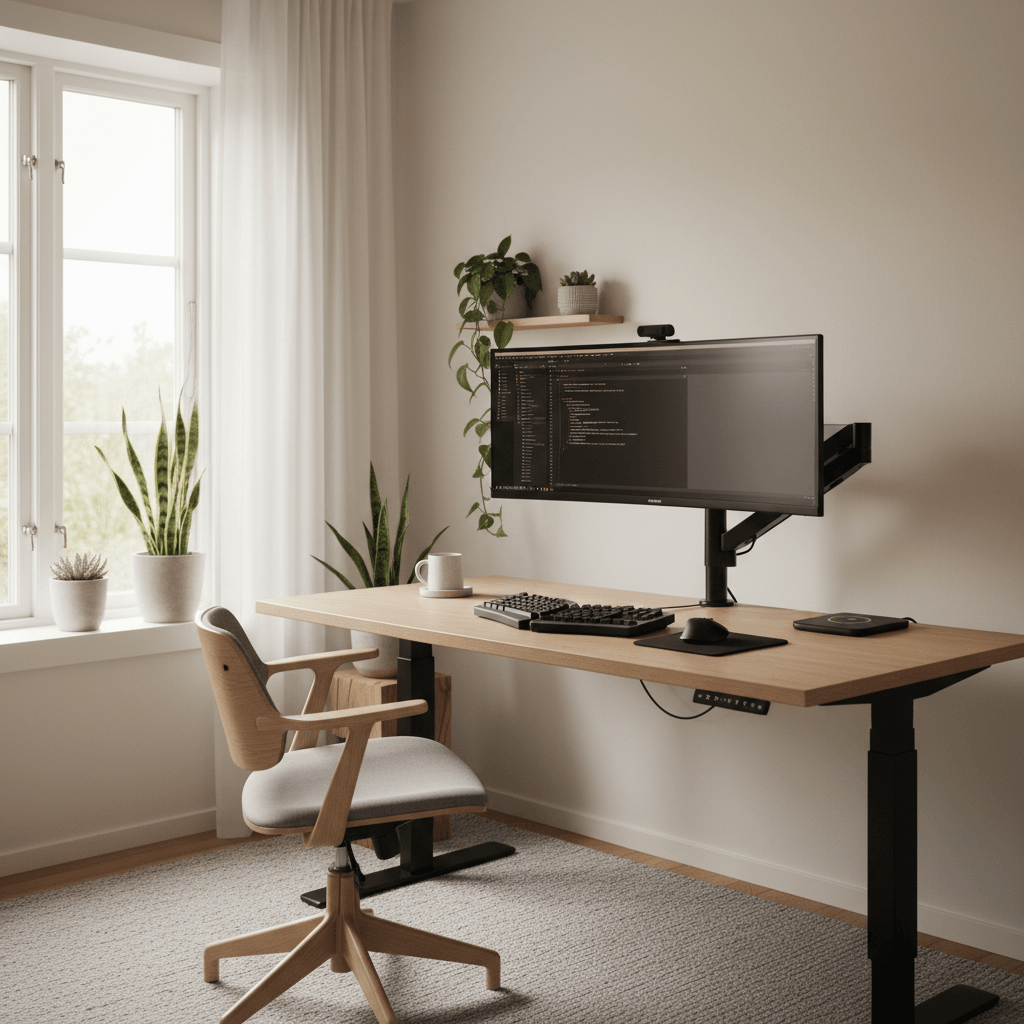
Office Setup Generator — a desk setup rendered into a real room
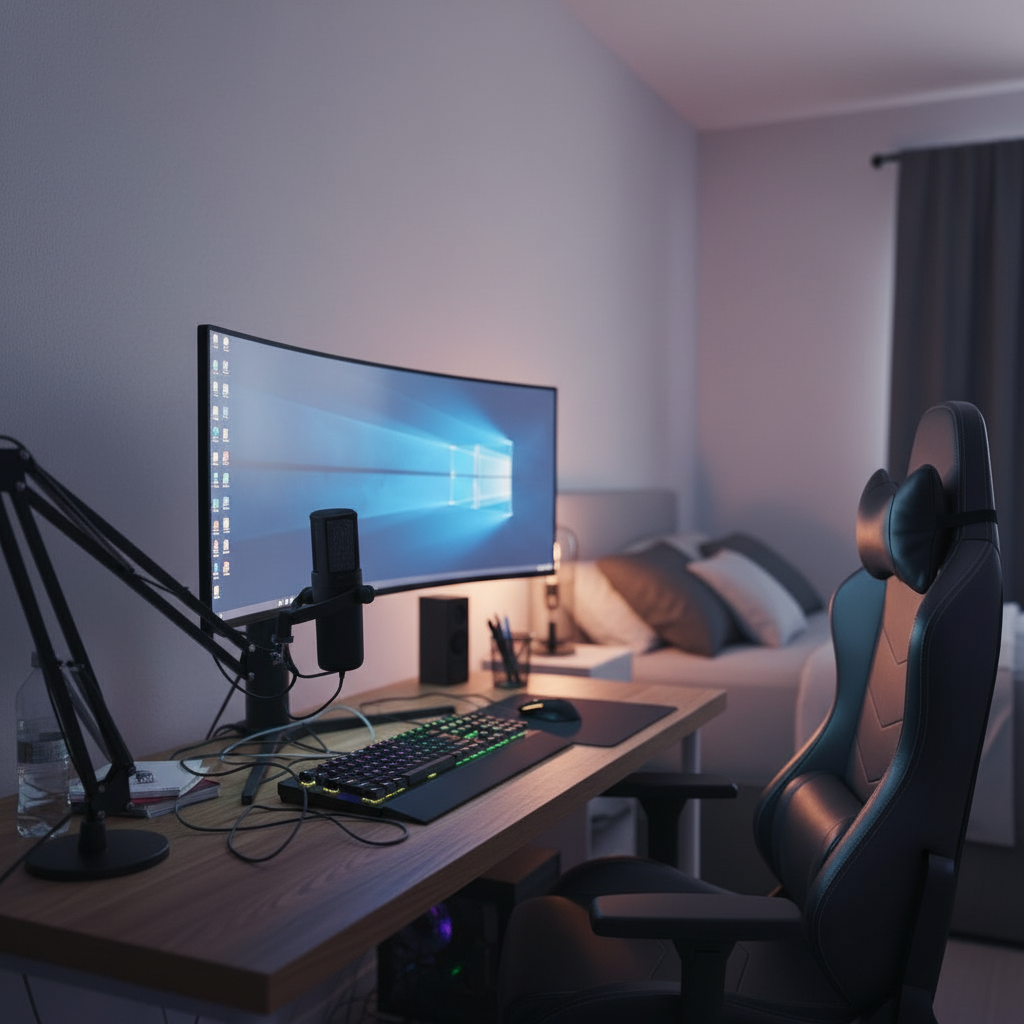
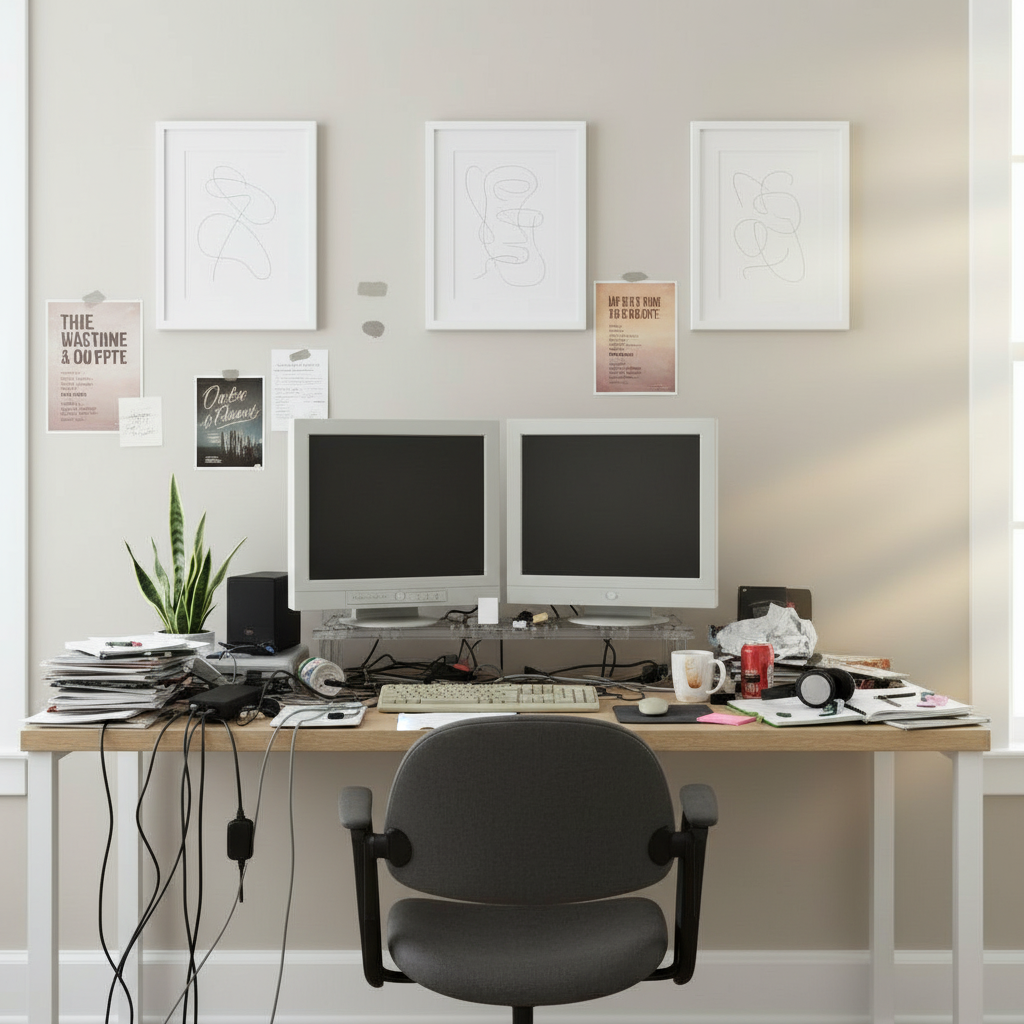
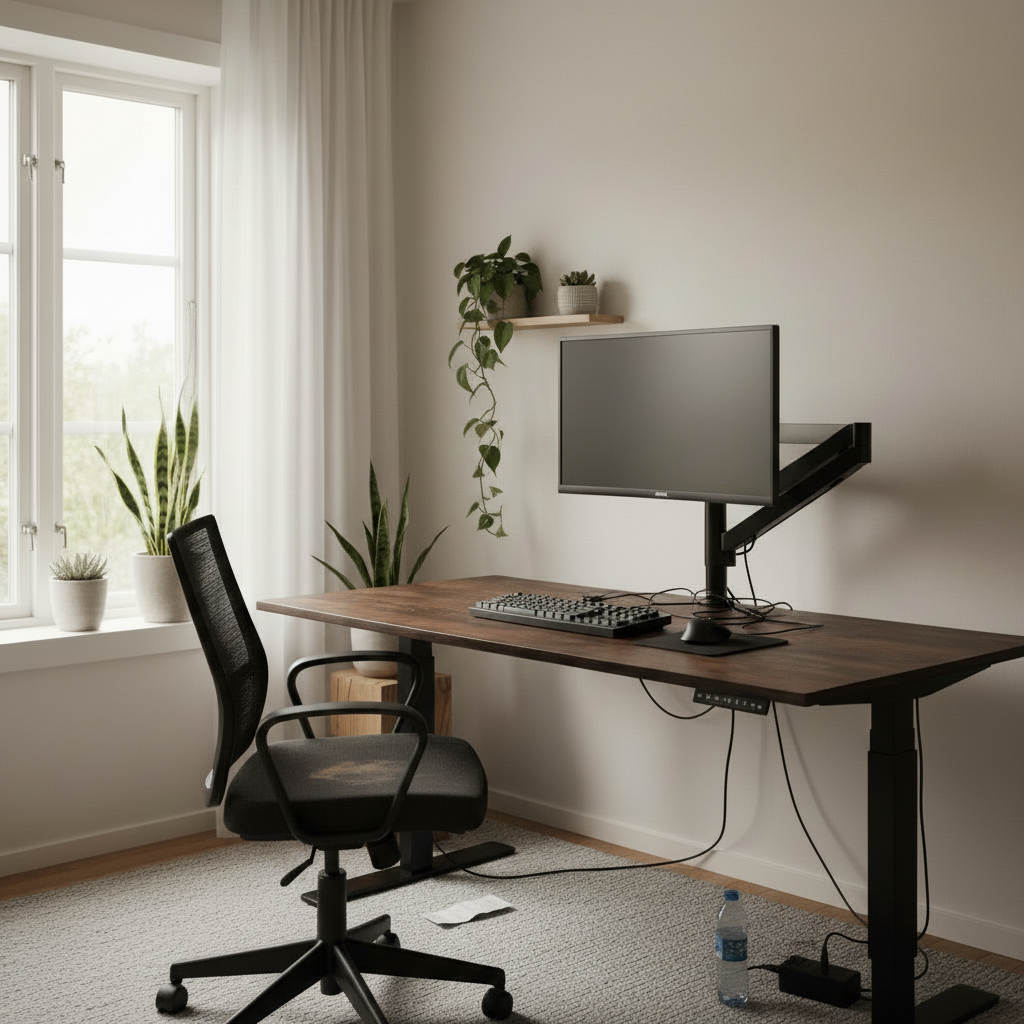
The same room before the setup was generated
Before
What it is

A home office, planned
before you spend a workday in it

01
What it is

An office setup generator is a tool built specifically for the home-office problem: you have to work eight focused hours a day in a space that was never designed for it. Point it at the corner, the spare room or the converted closet you're working with, and it renders a complete professional office into that exact spot — the desk, the monitors, the chair, the lighting and the background your camera will see — so you can plan the whole thing before your first meeting in it.

02
The new stakes

Remote work raised the stakes on a setup that used to be an afterthought. Your office is now your daily reality and your professional face at once. A makeshift arrangement quietly taxes you: the neck ache from a laptop screen sat too low, the glare from a window behind your monitor, the laundry rack that keeps photobombing your calls. None of it is catastrophic on day one, and all of it compounds across months of full workweeks.

03
Built for long days

The generator treats your home office like the workplace it actually is. Describe how you work, pick a professional direction, or specify the exact ergonomic gear you're weighing, and it composes a setup that's built for long days and good first impressions. Iterate until the layout, the camera angle and the feel are right, then build it from a list you've already seen finished in your own room.

Capabilities

Built for
the working day

The things that decide whether a home office helps or hurts — posture, calls, focus and a clean look — handled for you.

Ergonomics for long days

Monitor height, chair clearance and desk depth are sized to your room so the office holds you at a healthy posture through a full eight-hour day, not just for a quick render-ready pose.

01

Call-ready backgrounds

See exactly what your webcam will capture behind you. Tune the framing and the background so you show up looking composed and professional on every video call, not in front of the laundry.

02

Dual monitors and standing desks

Audition a dual-display layout or a sit-stand desk in your actual space at honest scale, so you know the productivity upgrade fits the room before you order the hardware.

03

A work zone that stays work

Define a clear office area that reads as separate from the rest of your home, so stepping into it means stepping into focus and stepping away means actually clocking out.

04

Lighting that flatters and focuses

Position task and key light to kill monitor glare, keep your eyes comfortable across the afternoon and light your face evenly for the camera — all simulated against your real windows.

05

Clean, presentable aesthetics

The generator leans toward calm, professional looks — tidy cabling, restrained color, no visual noise — so the space looks the part whether a client sees it or you just need to think clearly.

06

Build your home office
in four steps

No floor plan, no measuring tape, no trial-and-error workweeks.

01

Photograph the corner

Snap the spare room, alcove or corner you're turning into an office. The generator handles the angle and the lighting on its own.

02

Describe how you work

Say whether you live on calls, need deep focus or both. Pick a professional direction or add the exact ergonomic gear you're considering.

03

Generate the office

The generator renders a full, working home office into your space in about thirty seconds — desk, screens, chair, lighting and a clean backdrop.

04

Refine and build

Adjust the camera angle, swap the desk, re-render, then save the office you'll actually work in and shop its parts list.

The details

What makes a home office
worth working in

01 · The details

Ergonomics is the difference you feel by 4 p.m.

A home office that looks fine in a photo can still wreck your back by the end of the week. The things that protect you across a full workday are unglamorous and easy to get wrong by eye: the top of your monitor at roughly eye level, your forearms supported, enough desk depth that your screen sits an arm's length away, and a chair that tucks under cleanly. Guess at these and you pay in stiff shoulders, sore wrists and the low-grade fatigue that makes the afternoon drag.

The generator sizes these dimensions to your actual room, so you're previewing a posture, not just a vibe. You can see whether a sit-stand desk has the clearance it needs, whether a monitor arm can lift the screen high enough, and whether the chair has room to roll back. Sorting this out in a render is free; discovering it after a month of full workweeks in the wrong setup is not.
Room fitAuto-measured
Desk depth
28"
Arm reach
22"
Chair clear
36"
Wall offset
6"
All fits this room
02 · The details

Your background is part of your job now

On a remote team, your camera frame is your office, your handshake and your reputation rolled into one rectangle. A cluttered shelf, a glaring window or a bed in the corner subtly undercuts you in every meeting, while a calm, intentional background reads as competence before you've said a word. Most people never see their own setup the way the camera does until they're already live and it's too late to fix.

Because the generator renders from a real viewpoint, you can judge the background as your colleagues will and arrange the office to look right on screen. Position the desk so the window lights your face instead of blowing out behind you, keep the visible zone tidy and deliberate, and pick a backdrop that's professional without being sterile. You walk into your next call already knowing you look the part.

Lighting · Bias glowLive preview
Temperature4200K
Intensity72%
Accent
03 · The details

Focus is designed, not willed

Productivity at home is mostly a fight against the environment, and the environment usually wins unless you design it to lose. An office melted into the living room invites every distraction the home offers; a space with no clear edges never quite signals to your brain that it's time to work. The layout, the sightlines and the boundaries of the zone do more for your focus than any amount of willpower or another productivity app.

The generator helps you carve out a work zone that actually functions as one. You can see how to orient the desk away from foot traffic, how to use a screen, shelf or rug to define an edge, and how to keep the surface clear enough to think. A space that reads unmistakably as 'office' makes starting easier and, just as importantly, makes stopping possible — so work doesn't quietly leak into the rest of your evening.

Style presetsPick a vibe
FocusCall readyHybridStandingQuietBright
04 · The details

Calls, focus, or both — tune it to your role

A sales rep who lives in back-to-back meetings needs a different office than an engineer who needs four uninterrupted hours of deep work. The meeting-heavy role wants flattering light, a strong on-camera background and clean audio; the focus-heavy role wants minimal distraction, generous screen space and a layout that disappears into the task. Building one office to do both badly is how most home setups end up underwhelming on every front.

Tell the generator how your day actually runs and it biases the whole composition to match. Heavy on calls and it leans into camera framing and presentable polish; heavy on focus and it leans into screen real estate, low visual noise and ergonomic comfort for long sits. The result is an office shaped around your real workday instead of a generic template that ignores how you spend your hours.

Variations · 12Same room
01 / 12
02 / 12
03 / 12
Regenerate · ~30s Run
05 · The details

From render to a setup you can order Monday

The aim of planning a home office in advance is to invest once and invest right, because the desk, chair and monitors you'll sit at every day are the rare home purchases that genuinely earn their cost when they fit. Every generated office carries the products behind it, so when a layout clicks you can see precisely what it's built from and shop the list — the standing desk, the arms, the lighting, the chair — without piecing it together from a dozen tabs.

Save your favorite versions, compare an entry-level build against a splurge, and share a render for a partner's sign-off before the spare-room takeover begins. Everything syncs across web and mobile, so you can plan at your desk and revisit on the couch. The office you finally commit to is one you've already seen finished, sized to your room and ready for a real day's work.

Parts list · 06From the render
Ultrawide 34"
LG · curved
$649
Standing desk
Walnut · 60in
$520
Ergonomic chair
Mesh · lumbar
$340
Bias light bar
RGB · USB-C
$59
Cable tray
Under-mount
$32
Total$1,847
Office styles

Every home office,
generated for work

Tell the generator your role and watch the same corner become the office it calls for.

Dual-monitor productivity

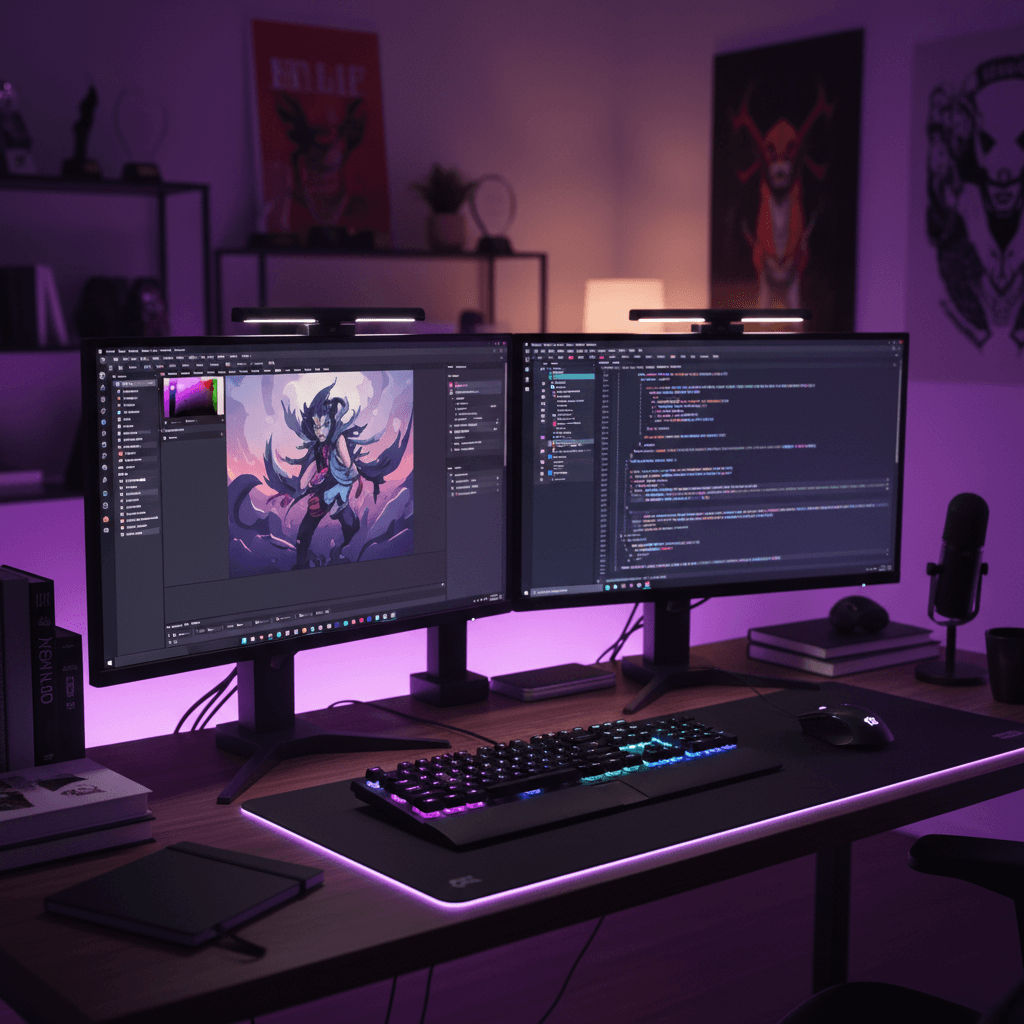
Wide ergonomic layout with the screen space a heavy workday needs.

Executive video calls

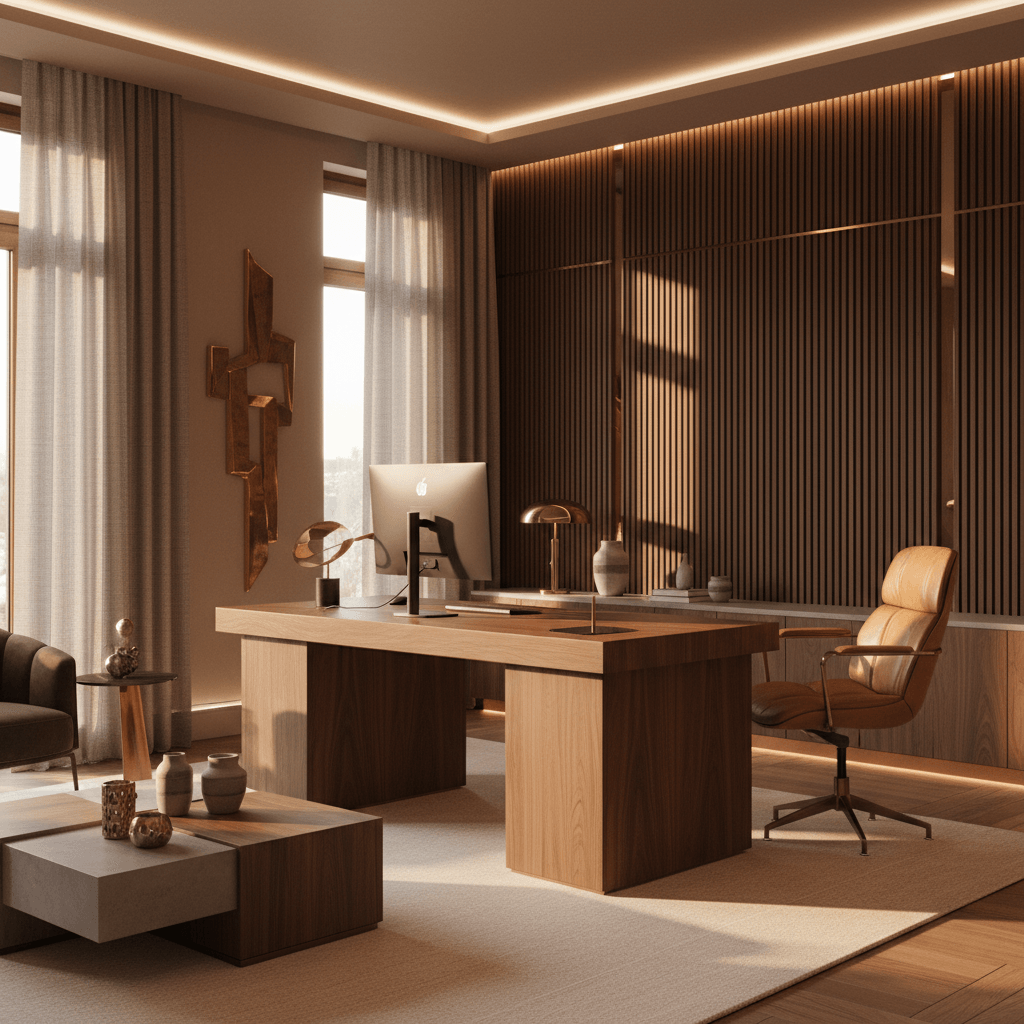
Rich, polished backdrop that reads professional on every meeting.

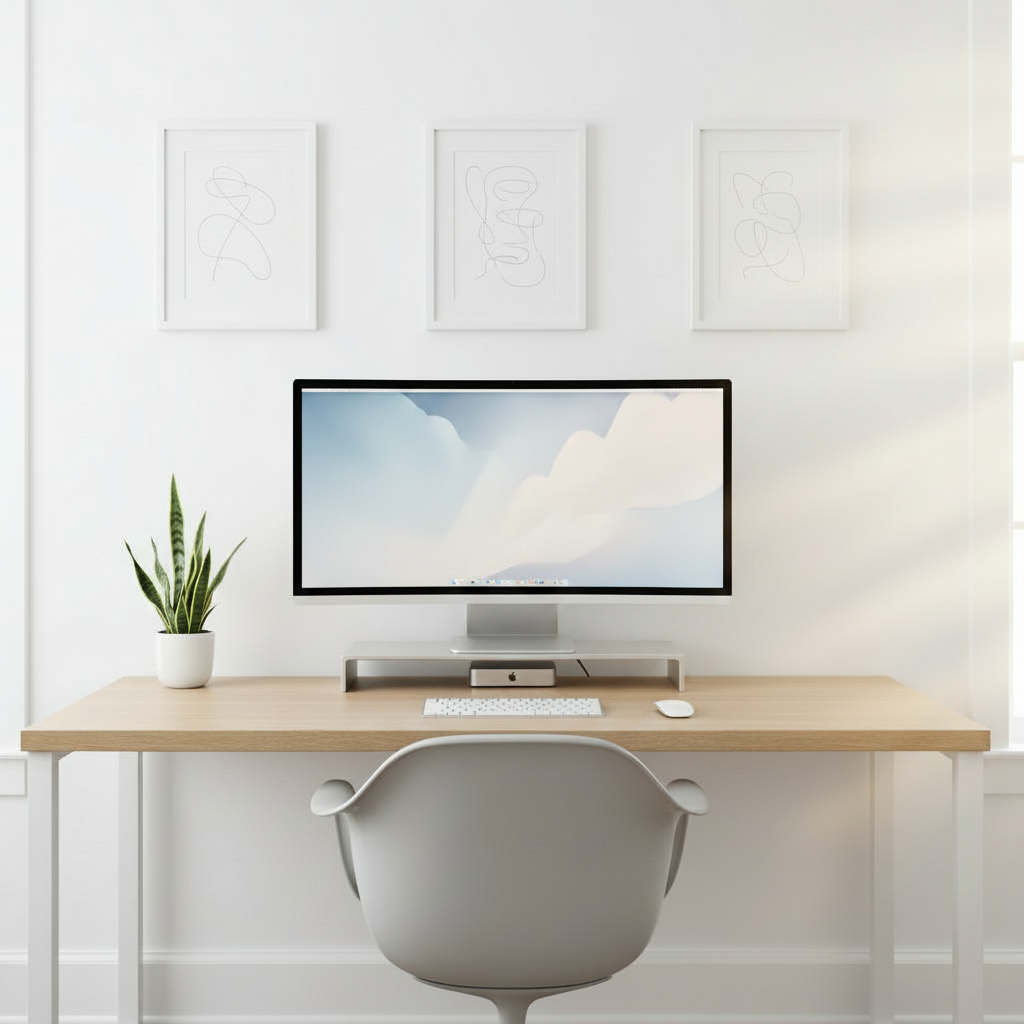
Minimal focus office

One clean surface, no visual noise, built for uninterrupted deep work.

Spare-room conversion

A real office carved out of an underused room or alcove.

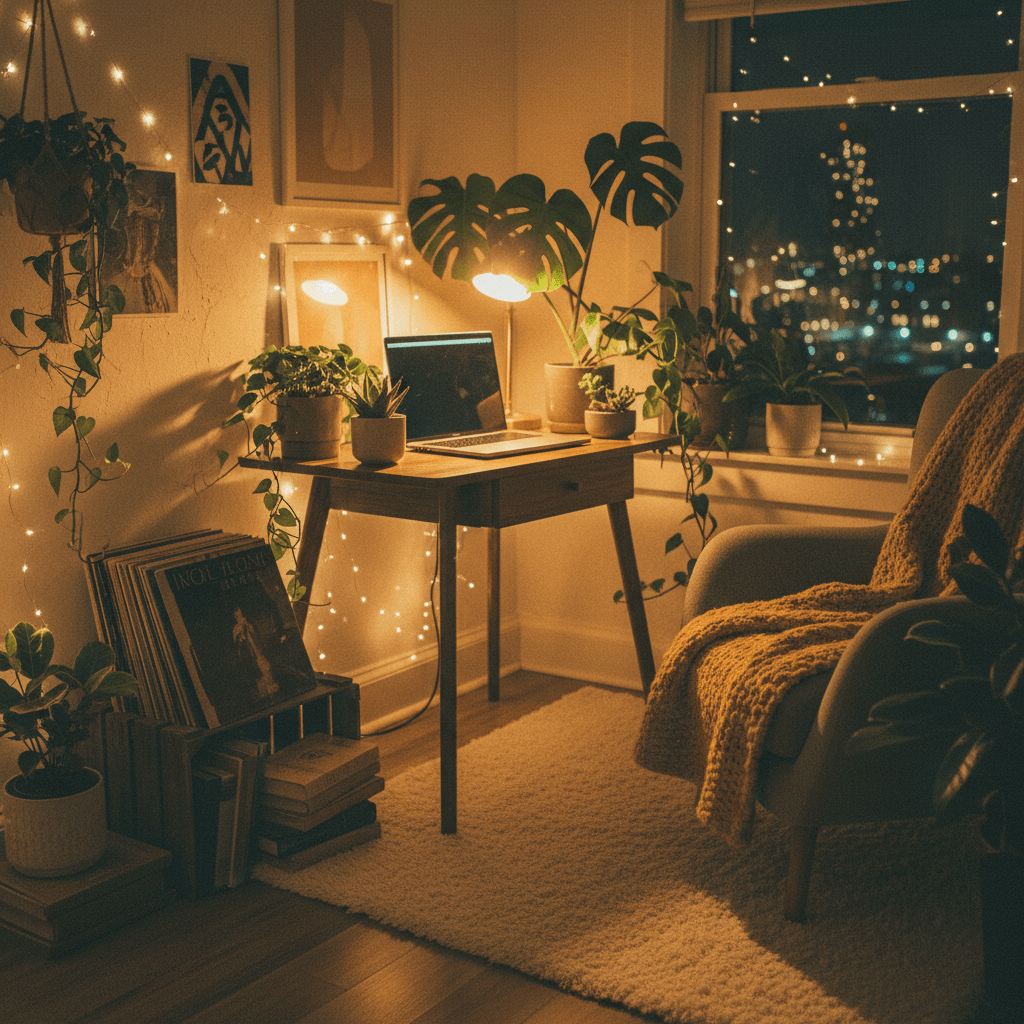
Cozy WFH corner

Warm, comfortable home office that still keeps work and life apart.

Standing-desk station

Sit-stand layout sized to your room for healthier all-day posture.

The transformation

Before and after, in your room

Drag any divider to reveal the original room under the generated setup.

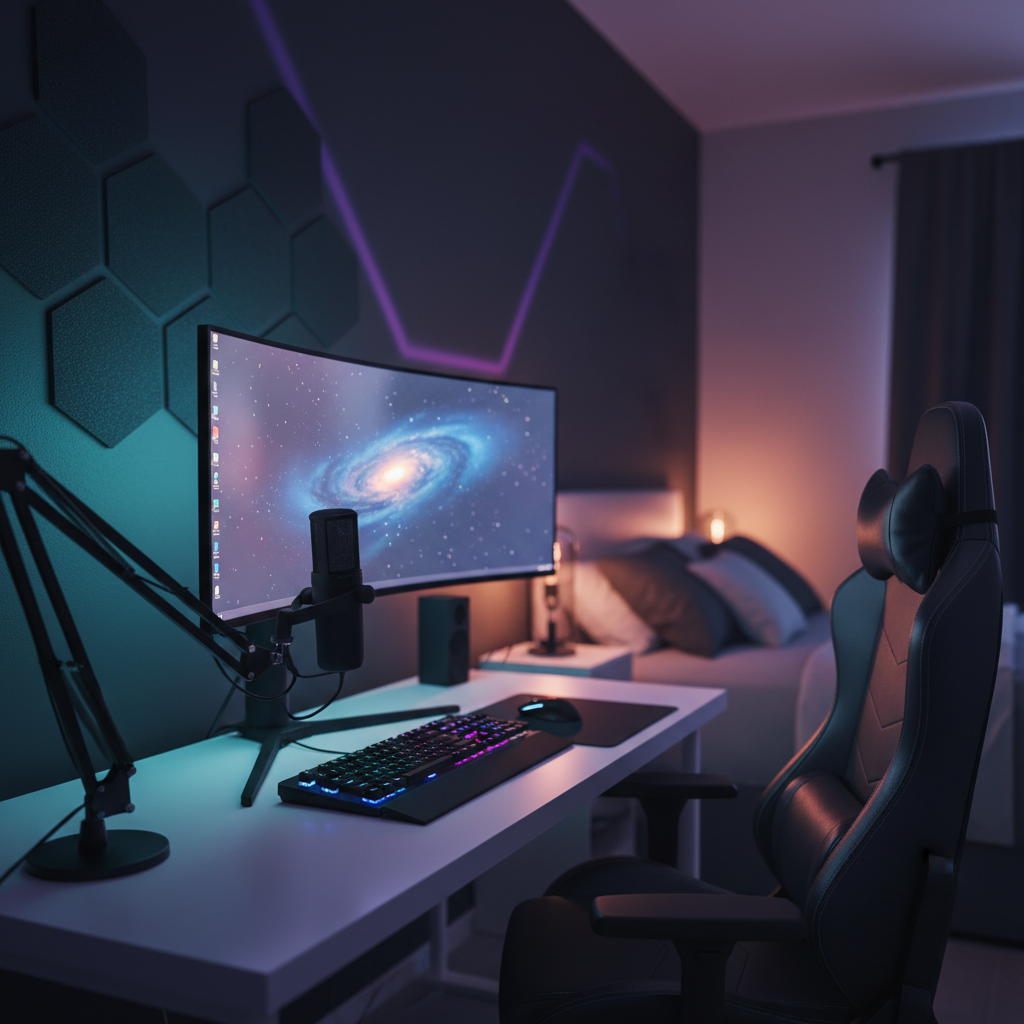
After
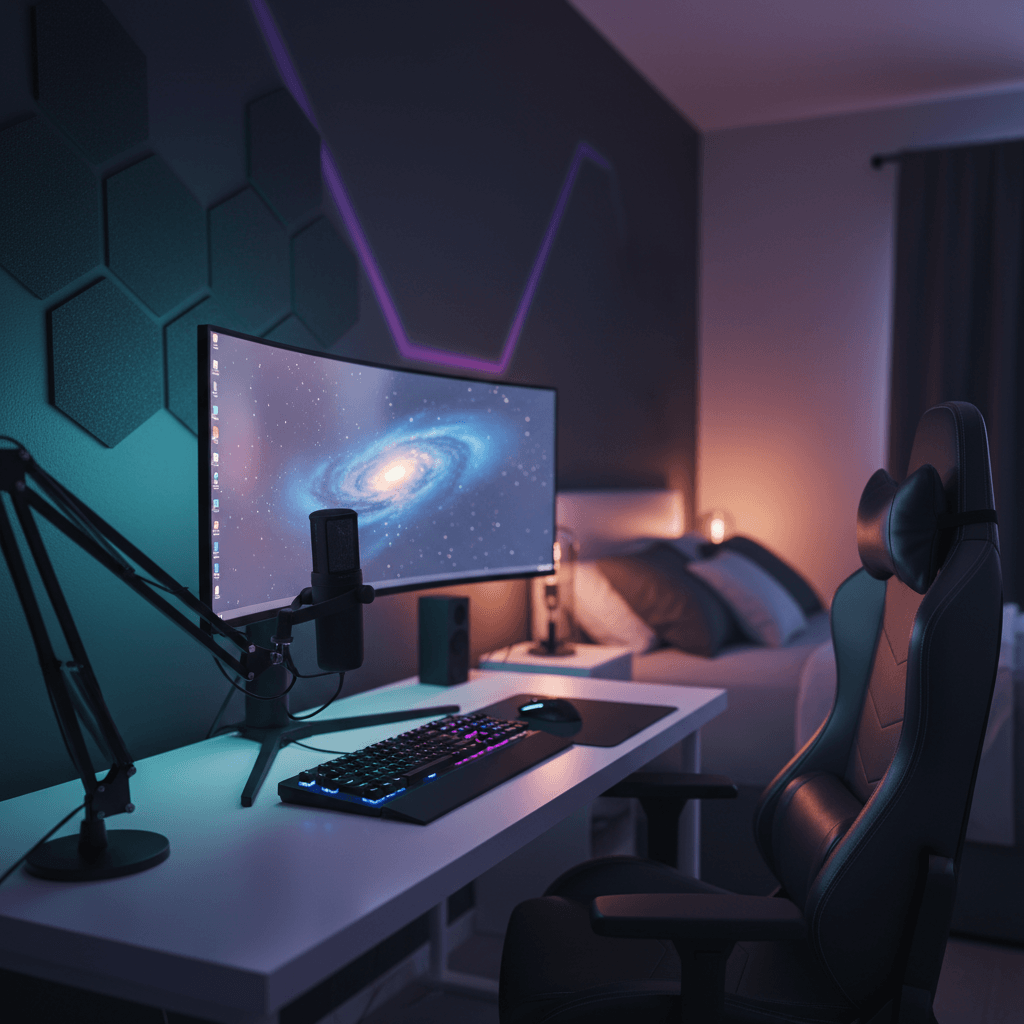
Curved · RGB · acoustic
After
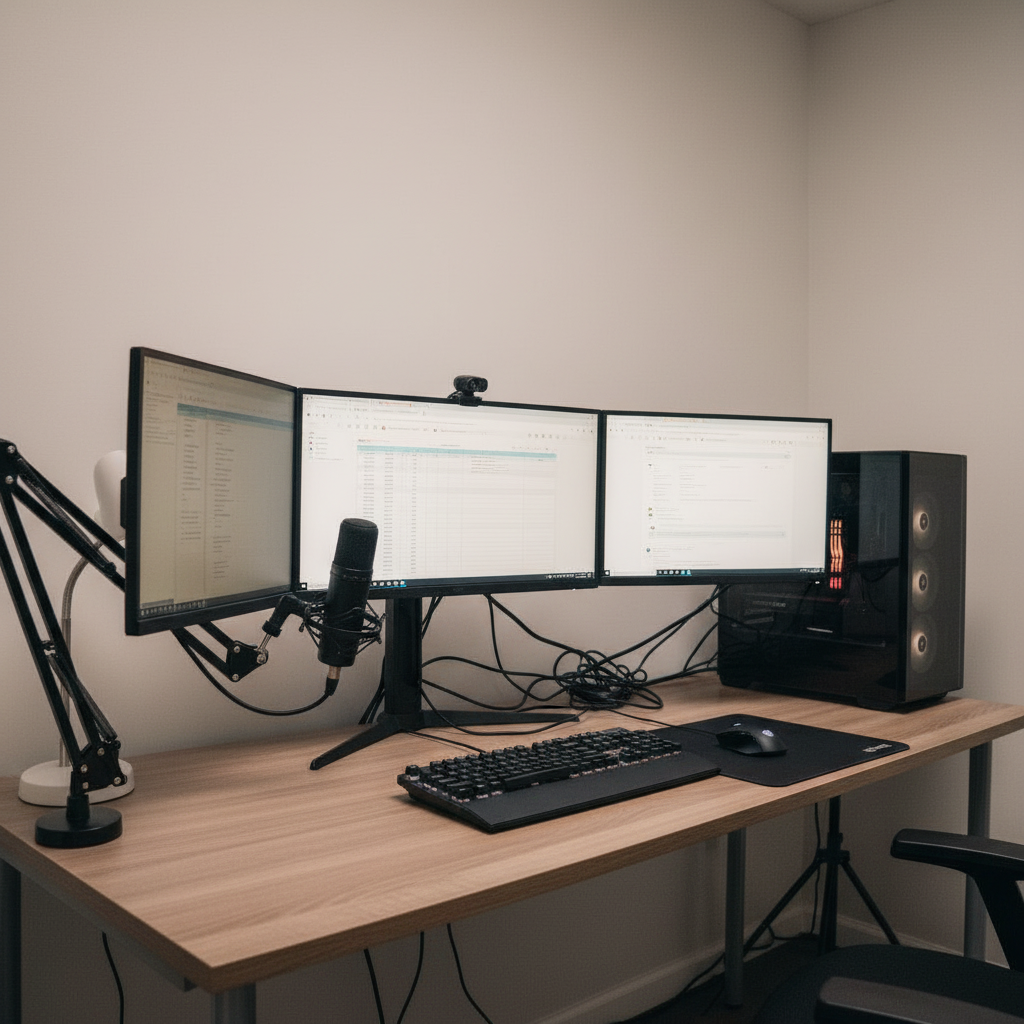
Same desk, decluttered
After
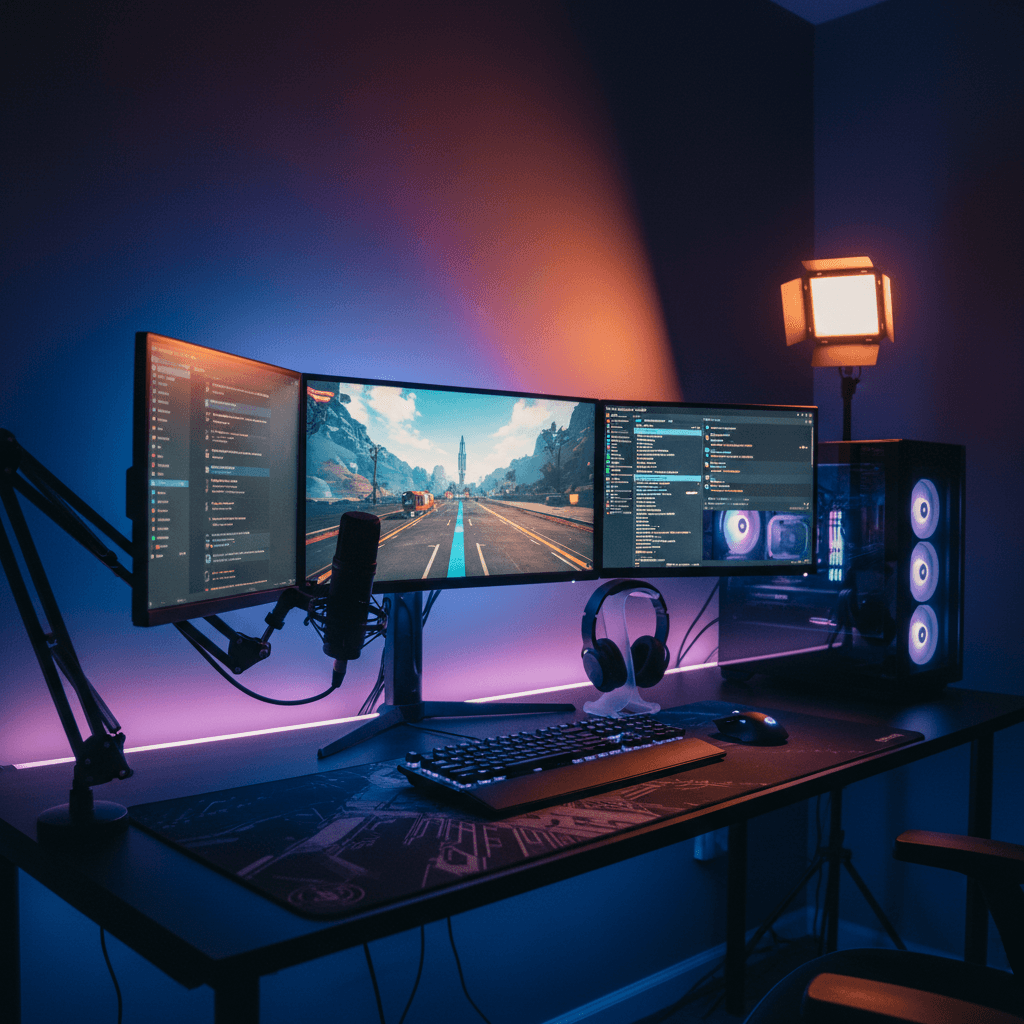
Dual 27" · mic · ambient

14,200+

Setups generated

6,300+

Active designers

4.9 / 5

Avg. rating

30 sec

To first render
FAQ

Office setup generator
questions, answered

What is an office setup generator?

An office setup generator is a tool that renders a complete home office into a photo of your real room. Instead of guessing how a desk, monitors, chair and backdrop will come together in your spare corner, you get a photoreal image of the finished workspace in your own space — sized to your room and built for a full working day — before you buy or rearrange anything.

Is the office setup generator free?

Yes. You can generate home-office layouts, save them and browse the gallery for free with no credit card required. The free plan includes a set number of generations each month and all style presets. Pro adds unlimited generations, higher-resolution 4K exports, the full real-product catalog, layered editing and a priority render queue.

Can it help with ergonomics for long workdays?

Yes, and it's a core focus. The generator sizes monitor height, desk depth and chair clearance to your actual room, so you're previewing a healthy all-day posture rather than just a good-looking photo. You can check whether a standing desk or monitor arm fits before buying, which saves you from the aches a wrong setup causes over months of full weeks.

Will it show what my video-call background looks like?

It will. Because the office renders from a real viewpoint, you can see what your webcam captures behind you and arrange the space to look composed on every call. Position the desk so daylight lights your face, keep the visible zone tidy, and pick a backdrop that reads professional — all before you go live in front of colleagues or clients.

Does it work for converting a spare room or small corner?

Absolutely. Photograph a spare room, an alcove or even a corner of a shared room, and the generator builds a real office into that exact space at honest scale. It's designed to help you carve a clear, functional work zone out of a spot that wasn't originally meant for it, so you can see the conversion before you commit to it.

Can I plan dual monitors or a standing desk?

Yes. Add a dual-display layout, a sit-stand desk, monitor arms or any specific gear from the catalog, and the generator places it in your room at real-world scale. You find out whether the productivity upgrade physically fits and looks right in your space before you order expensive hardware that might not work in the room.

How long does it take to generate an office?

About thirty seconds for the first render. Re-rendering tweaks — a different desk, a new camera angle, warmer lighting — is usually faster, and Pro users get priority compute so iterations come back quickly even during busy periods.

Last call

Build the home office
you'll actually work in

One photo, thirty seconds, and a professional, ergonomic office sized to your real room. Free to try.

Free to try · No card required · 30 sec to first render