Workspace Visualizer · Free to try

See the workspace in your head, in your room

Hold a picture of the perfect setup in your mind but can't tell if it'll actually look right? Drop a photo of your space and the visualizer paints that idea into the room you live in — true to scale, true to the light, ready in about thirty seconds.

Free to try · No card required · First render in ~30 seconds
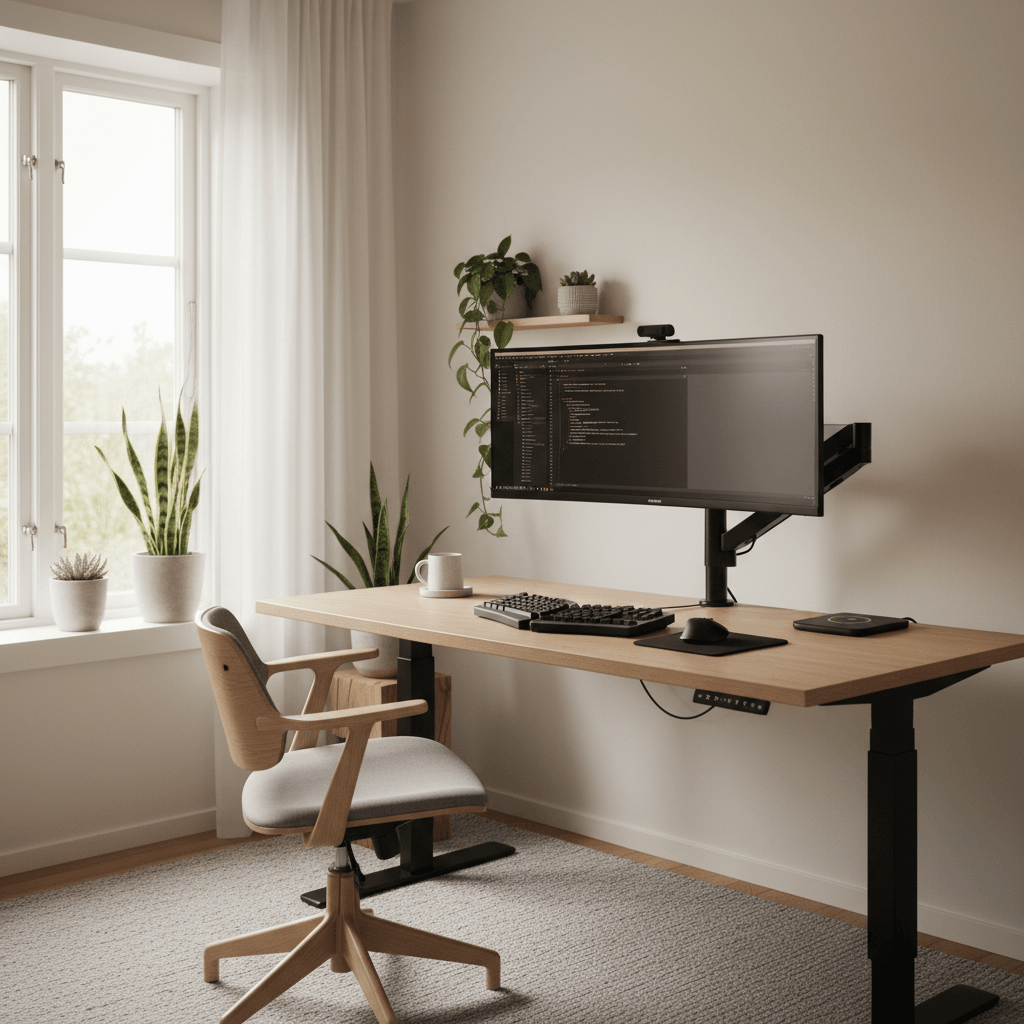
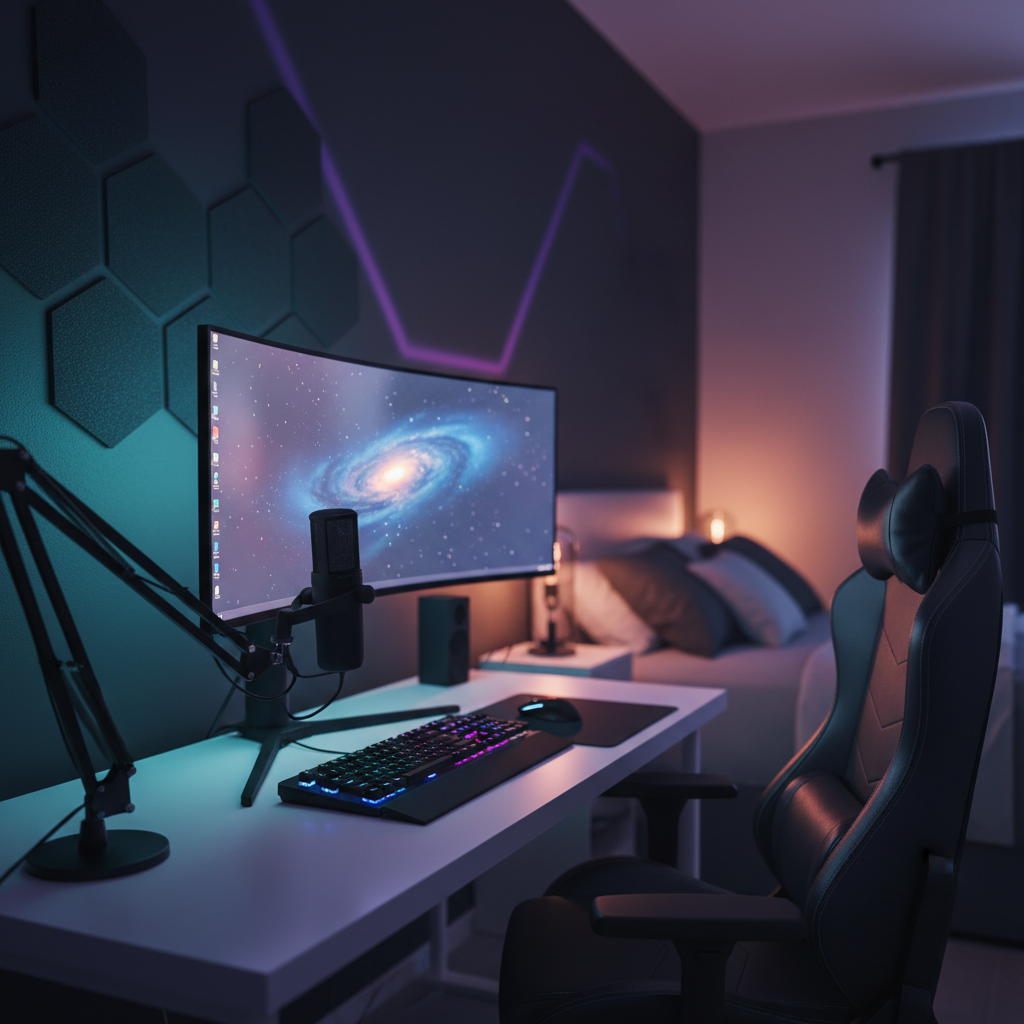
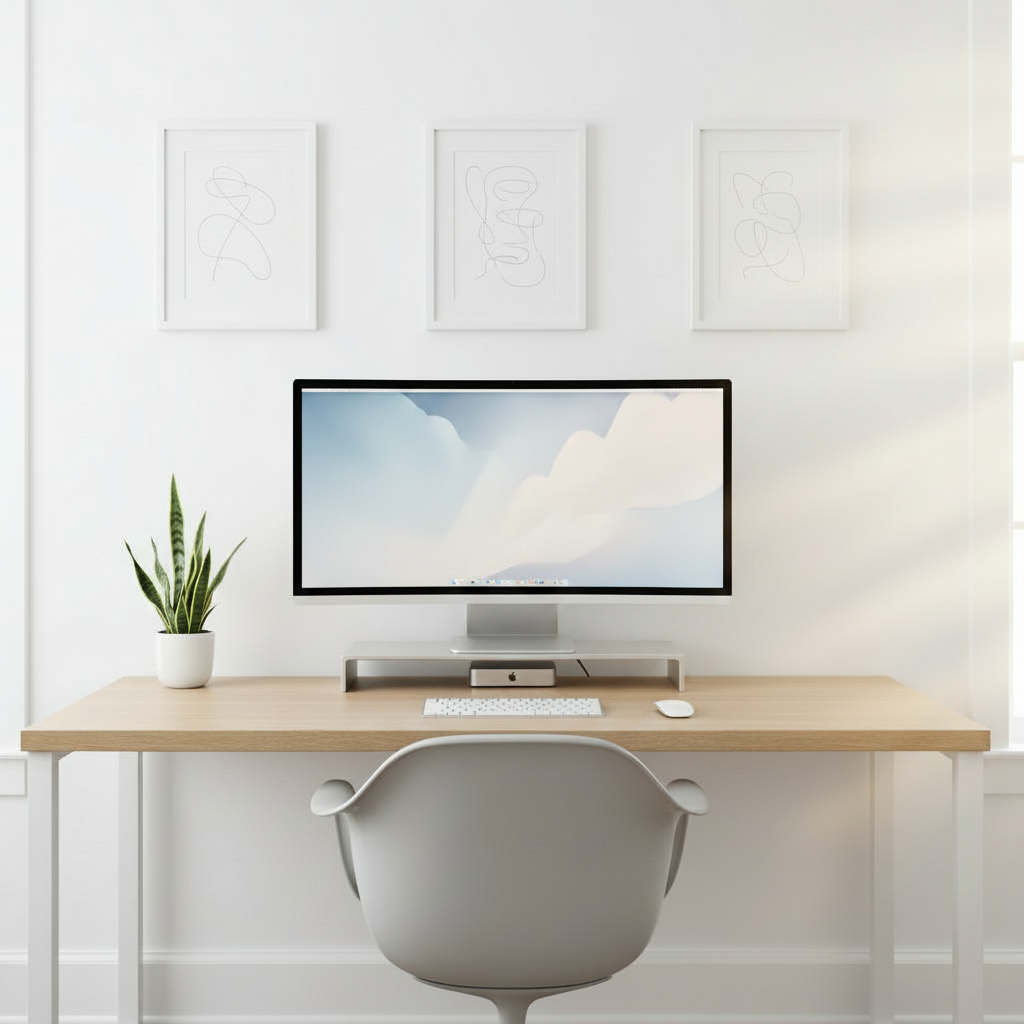
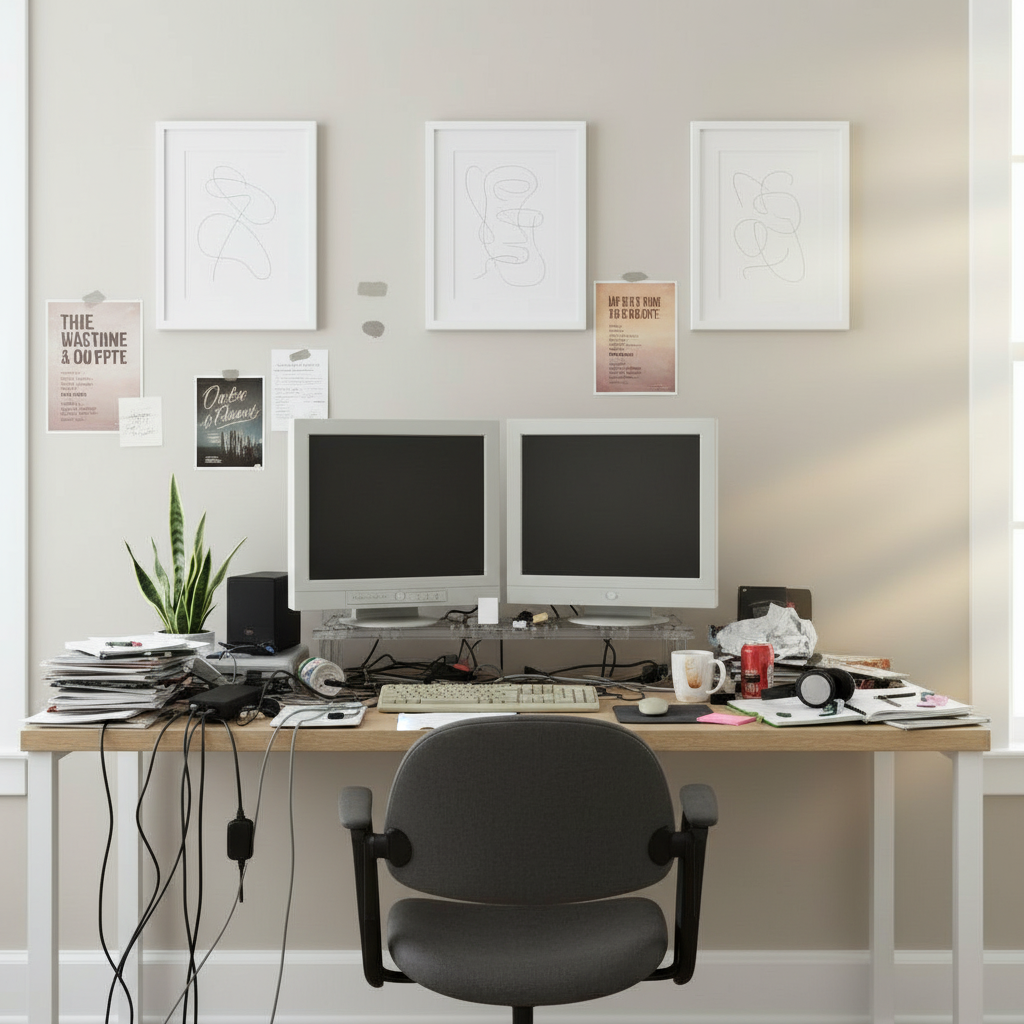
Workspace Visualizer — a desk setup rendered into a real room
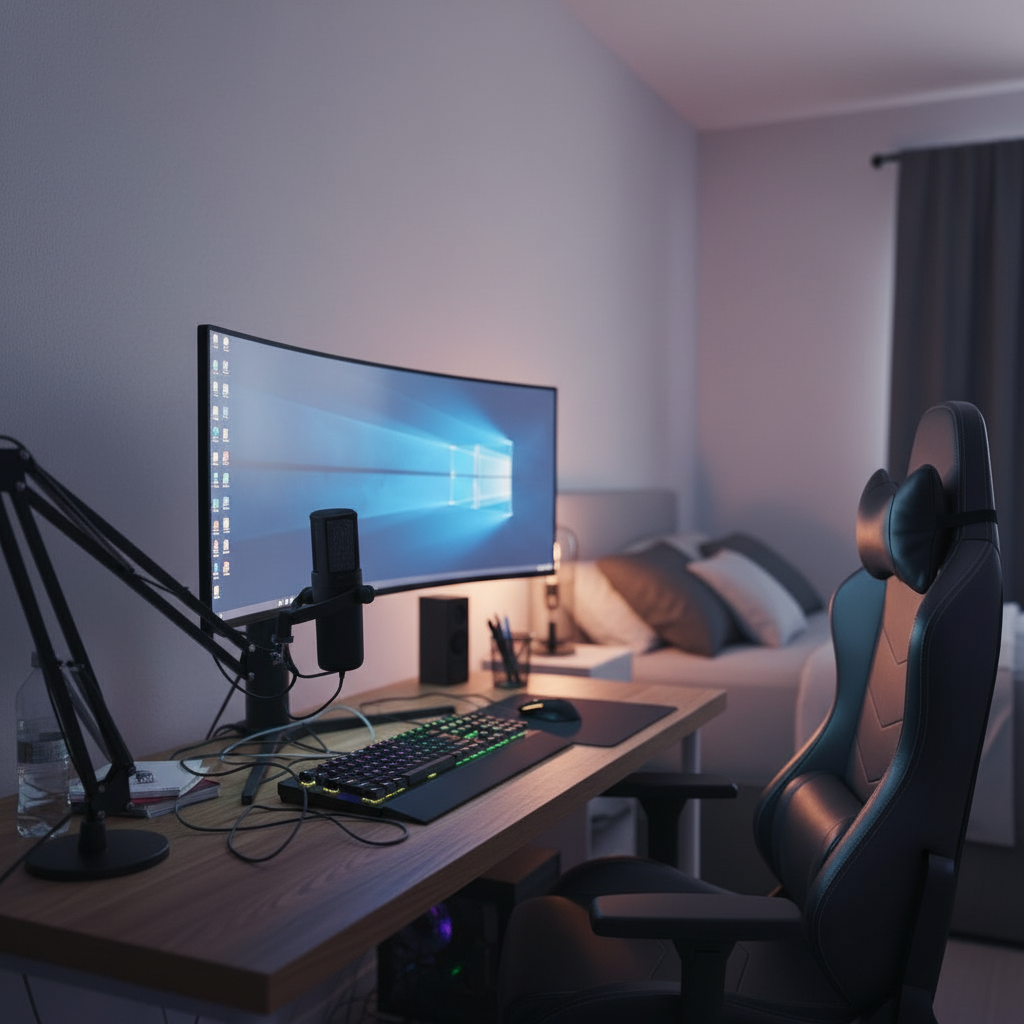
The same room before the setup was generated
Before
What it is

A way to look at a workspace
that doesn't exist yet

01
What it is

A workspace visualizer is the tool that answers one stubborn question: what would this actually look like? You can picture a tidier desk, a brighter corner, a setup that finally feels like yours — but imagination is a blurry medium. The visualizer takes that blurry idea and renders it sharp, dropping your envisioned workspace into a real photo of your real room so you can stop wondering and start looking.

02
Why imagination misses

The gap between an idea and a finished space is where most plans quietly fall apart. A swatch looks one way online and another on your wall. A layout that seems airy in your head crowds the window in practice. You can spend weeks collecting links and still have no honest sense of the whole. Seeing beats imagining every time, and the entire point of this tool is to let your eyes make the call your mind keeps second-guessing.

03
Decide with your eyes

DeskSetupCreator turns that into a single screen. Describe the workspace you want or pick a direction, and the visualizer composes a photoreal version inside your space in roughly thirty seconds. Generate as many takes as you like, set them next to each other, and judge them the way you'd judge a finished photo — because that's exactly what they are. Decide with your eyes, not your guesswork.

Capabilities

Everything you need
to see it clearly

No measuring, no modeling, no design degree. Show the visualizer your space, tell it the goal, and look at the result.

Anchored to your real space

The visualizer reads the walls, depth and natural light from one phone photo, then renders your future workspace into that exact room so what you see is grounded in reality, not a stock template.

01

Imagination, rendered

Type the workspace you have in mind in plain words and watch it become a finished image. The vague picture in your head turns into something you can actually study and react to.

02

Compare visualizations side by side

Line up two or three takes of the same room and let the differences settle the debate. Warmer or cooler, fuller or sparser, this layout or that one — your eyes pick the winner fast.

03

Honest scale and proportion

Everything lands at true size against your room's geometry, so a deep desk reads deep and a small corner reads small. You preview fit, not just vibe, before any decision gets made.

04

Rework it in seconds

Not quite right? Nudge the direction and re-render. Push the look, change the mood, try the opposite idea entirely — exploring is cheap, so you explore until the picture clicks.

05

Lighting you can trust

Daylight, warm lamps and accent glow are simulated against your room's surfaces, so the atmosphere in the visualization matches the atmosphere you'd actually feel standing there.

06

From idea to image
in four steps

If you can take a photo and describe what you want, you're done.

01

Photograph your space

A quick phone shot of the corner or wall in question. Messy, dim or oddly angled is fine — the visualizer reads it anyway.

02

Say what you're picturing

Describe the workspace in your own words or pick a direction. Mention specific pieces if you already have favorites in mind.

03

Visualize it

The tool renders a photoreal version of your idea into your room in about thirty seconds. No skills, no setup, no waiting around.

04

Compare and keep

Re-render variations, set them next to each other, and save the visualizations you love to a gallery that follows you across devices.

Why it works

Why seeing a workspace
beats imagining one

01 · Why it works

Imagination is a terrible preview engine

Your mind is brilliant at conjuring a feeling and hopeless at rendering accurate detail. You can summon the sense of a calm, capable workspace instantly, but ask yourself how the desk meets the window or whether the proportions feel right and the picture dissolves into vagueness. That fuzziness is exactly why so many spaces disappoint once they're real: you committed to a feeling, not a finished image, and the feeling didn't survive contact with your actual walls.

A visualizer closes that gap by externalizing the picture. Once your idea is a concrete image sitting in your room, your judgment sharpens immediately — you notice the corner that's too empty, the tone that fights the floor, the balance that's off by a little. None of that is visible while it's trapped in your head. The simple act of moving the idea out of imagination and onto the screen is what makes a good decision possible.
● Live renderWindow glare · noticedDesk · 60in clearFloor seam
02 · Why it works

Grounded in your room, not a generic box

Plenty of tools will show you a beautiful workspace; almost none of them show it to you in your space. That distinction is the whole game. A render floating in a perfect imaginary room tells you nothing about your slightly narrow nook with the radiator and the window that's a touch too far left. The visualizer composes into a photo of the place you'll actually use, so the result inherits your real constraints instead of pretending they don't exist.

Because it understands the geometry and lighting of your photo, the visualization carries the quiet details that sell believability — a surface that catches the daylight, shadows that fall the right way, scale that matches the room you know. The effect is less mood board and more a photograph from a near future where you already built it. That realism is what lets you trust the picture enough to act on it.

Room scan · Complete98% confidence
WallWindow · NW lightFloor · oakDesk · 60in
Walls
4 / 4
Lighting
NW · soft
Depth
12 × 9 ft
03 · Why it works

Comparing options is where decisions get made

A single visualization is useful; a set of them is decisive. Most choices aren't really about whether an idea is good in isolation — they're about which option wins against the alternatives. Is the workspace better warm or neutral? Fuller or more restrained? Anchored on this wall or that one? Held in your imagination, those comparisons collapse into a shrug. Rendered as images you can place side by side, they resolve in seconds.

The visualizer is built for exactly this kind of looking. Generate several directions for the same room, set them next to each other, and let the contrast do the work. You'll often discover that the option you assumed you wanted loses to one you almost didn't try. Seeing the alternatives honestly, at the same scale and in the same light, is the difference between a confident choice and a hopeful guess.

Why this beats the restSide by side
Mood board
Pretty · not in your room
Realism30%
3D planner
Accurate · hours of work
Realism22%
This generator
Photoreal · in your room
Realism92%
PickedPhotoreal beat the rest
04 · Why it works

From inspiration tool to confidence tool

Inspiration is everywhere and worth surprisingly little on its own. A thousand saved images of gorgeous workspaces still leave you stuck at the same question — would any of this work for me? Inspiration shows you what's possible somewhere; it doesn't show you what's possible here. The visualizer converts loose inspiration into a specific, testable image of your own room, which is the only version that helps you actually move.

That shift, from collecting ideas to confirming them, changes how the whole project feels. Instead of an open-ended wish that never quite resolves, you get a clear yes or no you can see for yourself. Confidence isn't a personality trait here; it's just the natural result of having already looked at the finished thing. You stop hedging because there's nothing left to hedge against — the picture is right in front of you.

Variations · 12Same room
01 / 12
02 / 12
03 / 12
Regenerate · ~30s Run
05 · Why it works

Look first, then act with everything in hand

Seeing the workspace is the start, not the end. Once a visualization wins, you'll want to make it real, and the tool keeps the practical thread intact: every render carries the pieces behind it, so the look you fell for comes attached to an actual list rather than an unrepeatable mirage. The leap from picture to plan stops being a leap at all.

And nothing evaporates when you close the tab. Visualizations save to a gallery that syncs across web and mobile, so you can dream one up on your laptop, revisit it on your phone, and pick it back up next week with fresh eyes. The thinking compounds instead of resetting, which is how a vague someday-idea quietly turns into a space you genuinely build.

Parts list · 06From the render
Ultrawide 34"
LG · curved
$649
Standing desk
Walnut · 60in
$520
Ergonomic chair
Mesh · lumbar
$340
Bias light bar
RGB · USB-C
$59
Cable tray
Under-mount
$32
Total$1,847
Use cases

One visualizer,
every kind of space

Change a few words and watch the same room become an entirely different workspace.

Creative studios

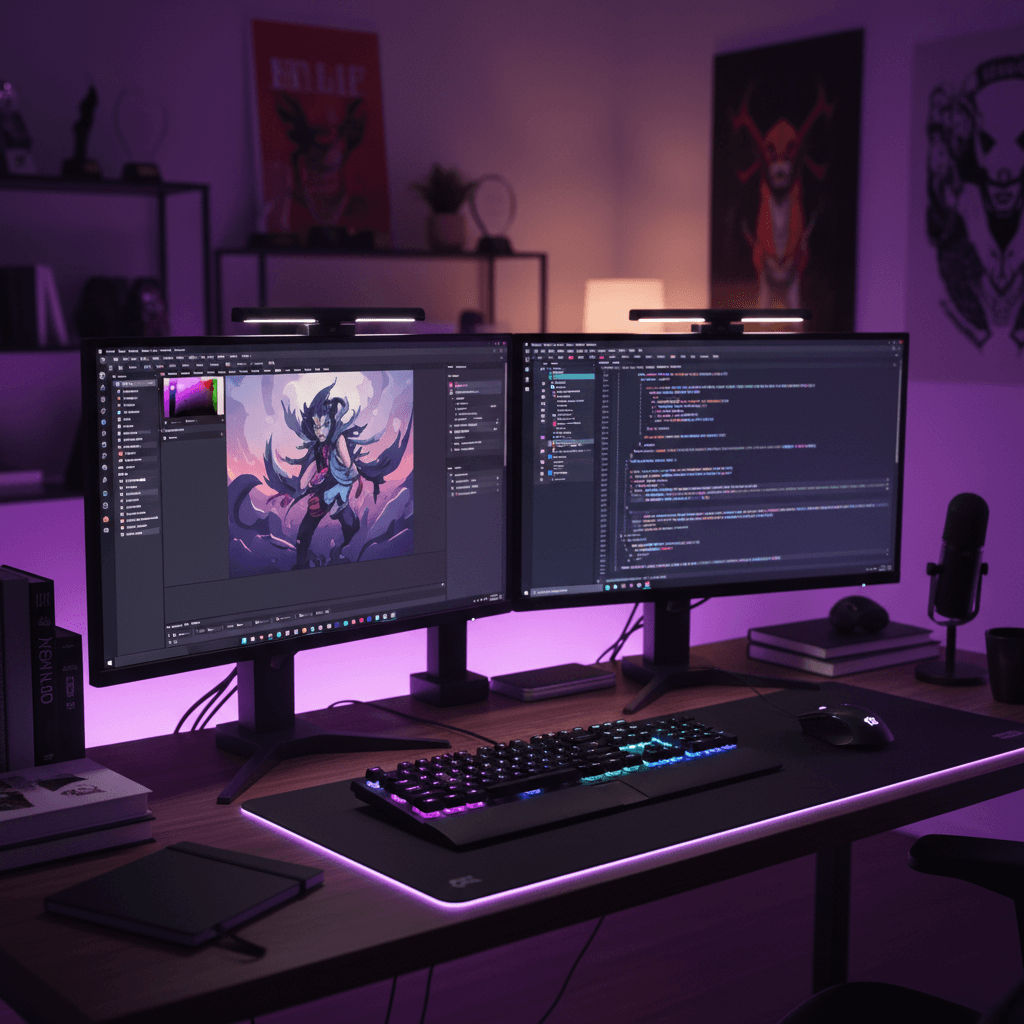
See the mood-lit creative corner before you commit to the look.

Developer desks

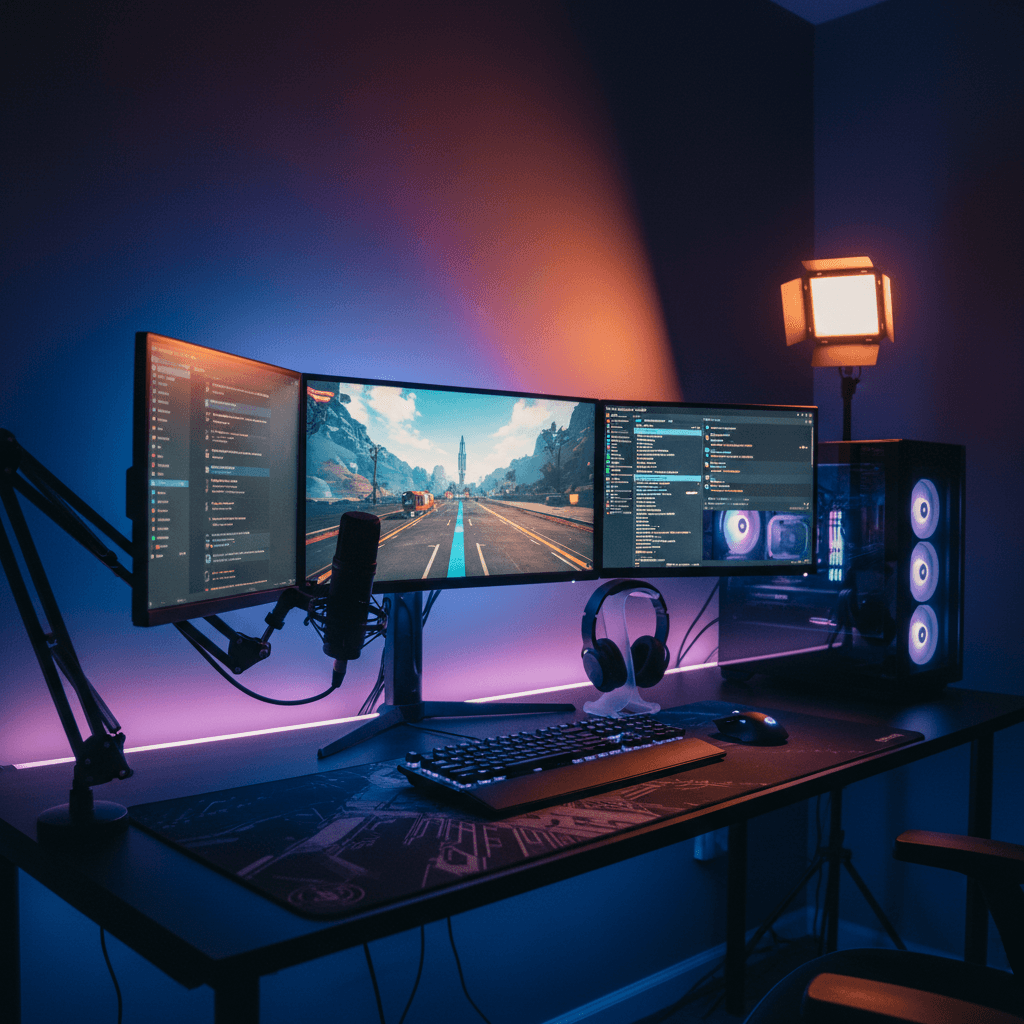
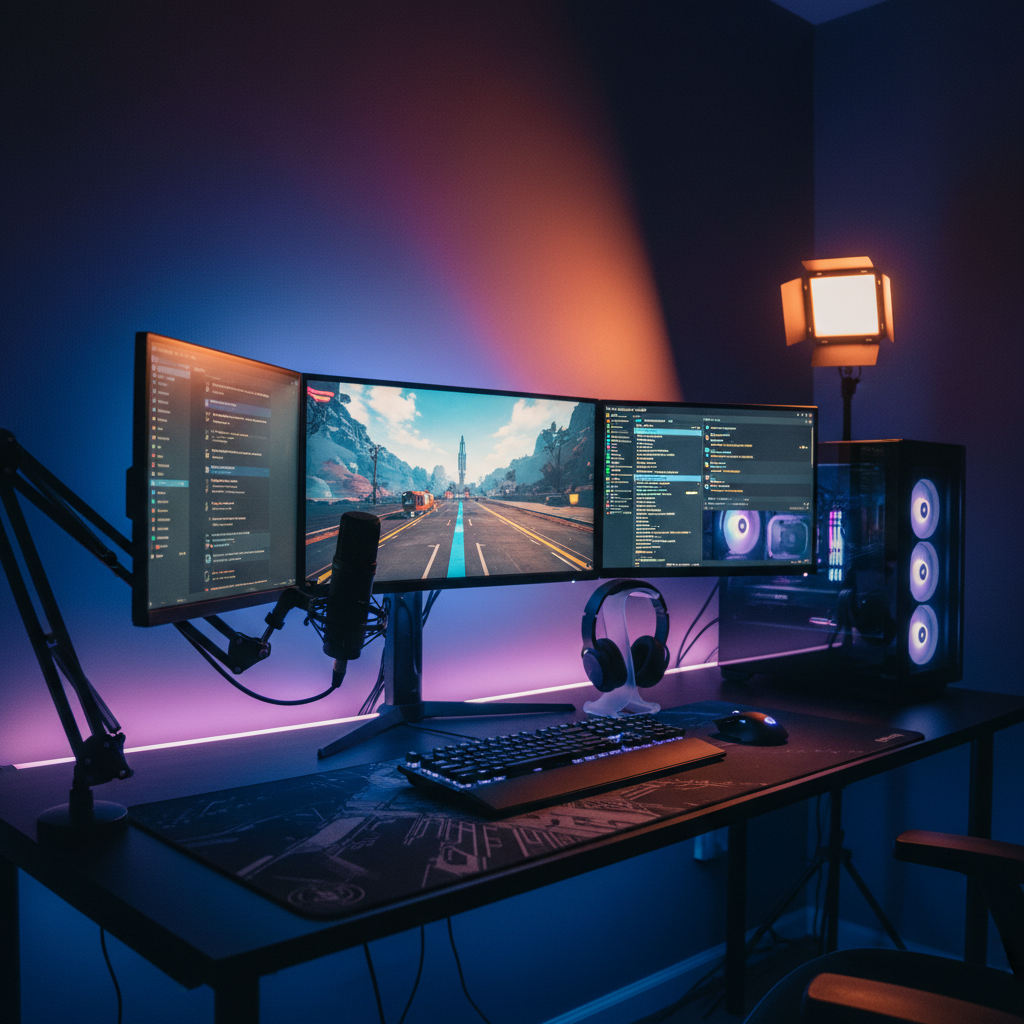
Visualize the multi-screen layout in your space at honest scale.

Minimal Mac setups

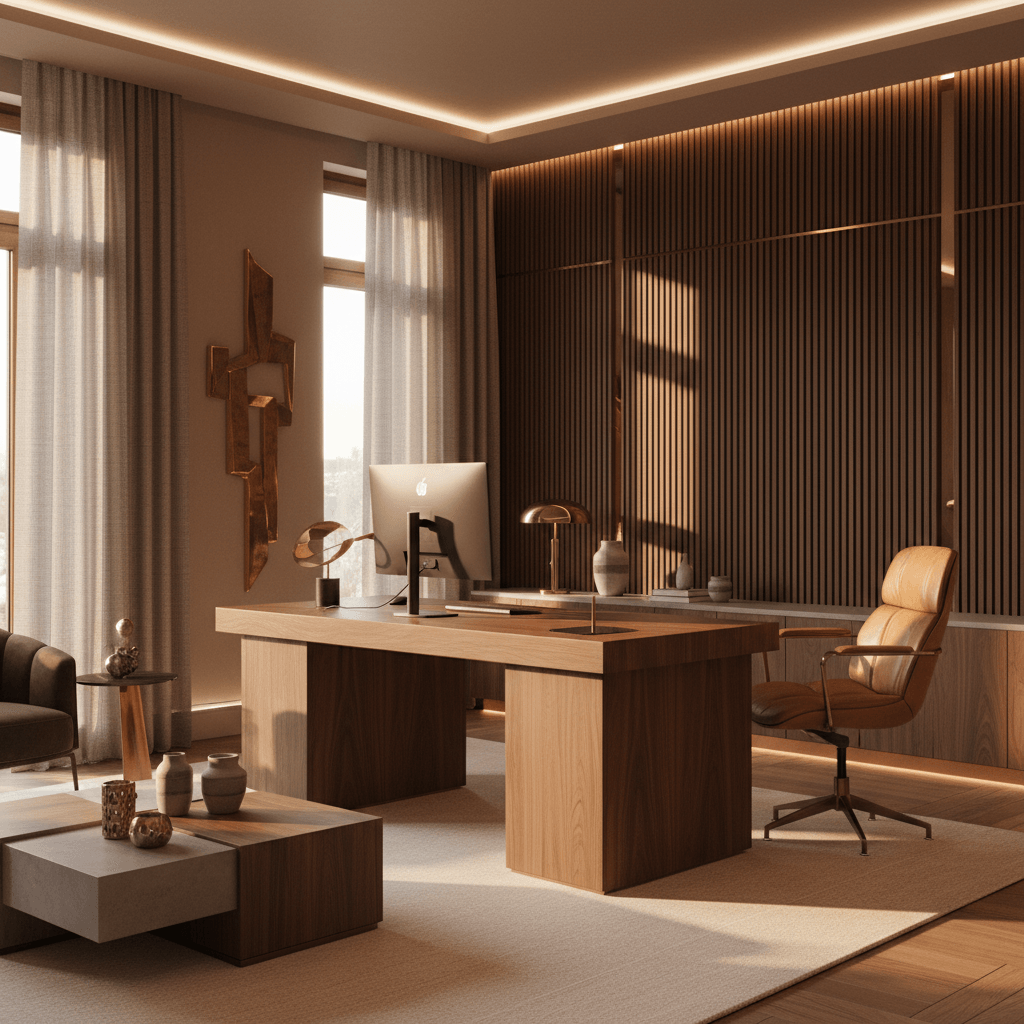
Preview one clean device and a clear surface in your real room.

Study nooks

Picture a warm, focused study corner before rearranging a thing.

Statement workspaces

Visualize rich materials and standout pieces against your walls.

Dual-display stations

See a bold two-monitor layout sized to the room you actually have.

The transformation

Before and after, in your room

Drag any divider to reveal the original room under the generated setup.

After
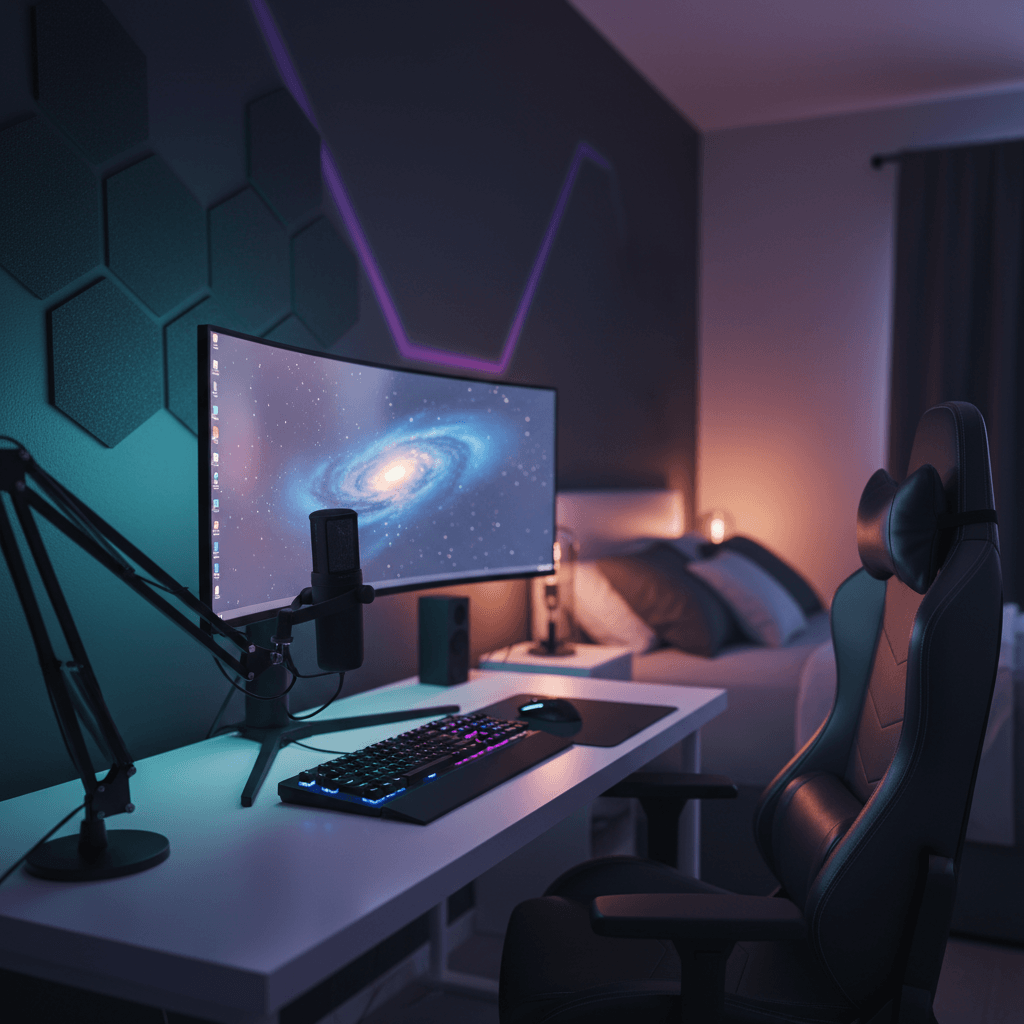
Curved · RGB · acoustic
After
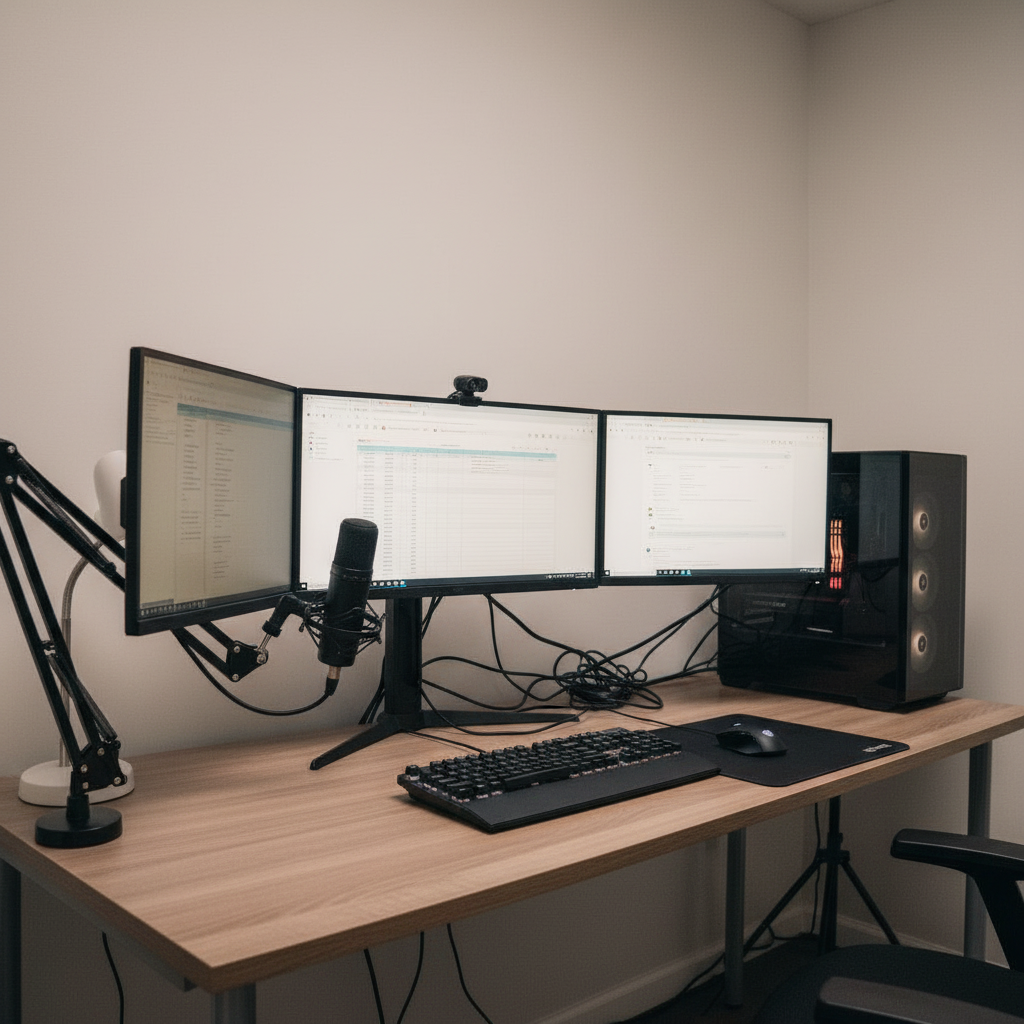
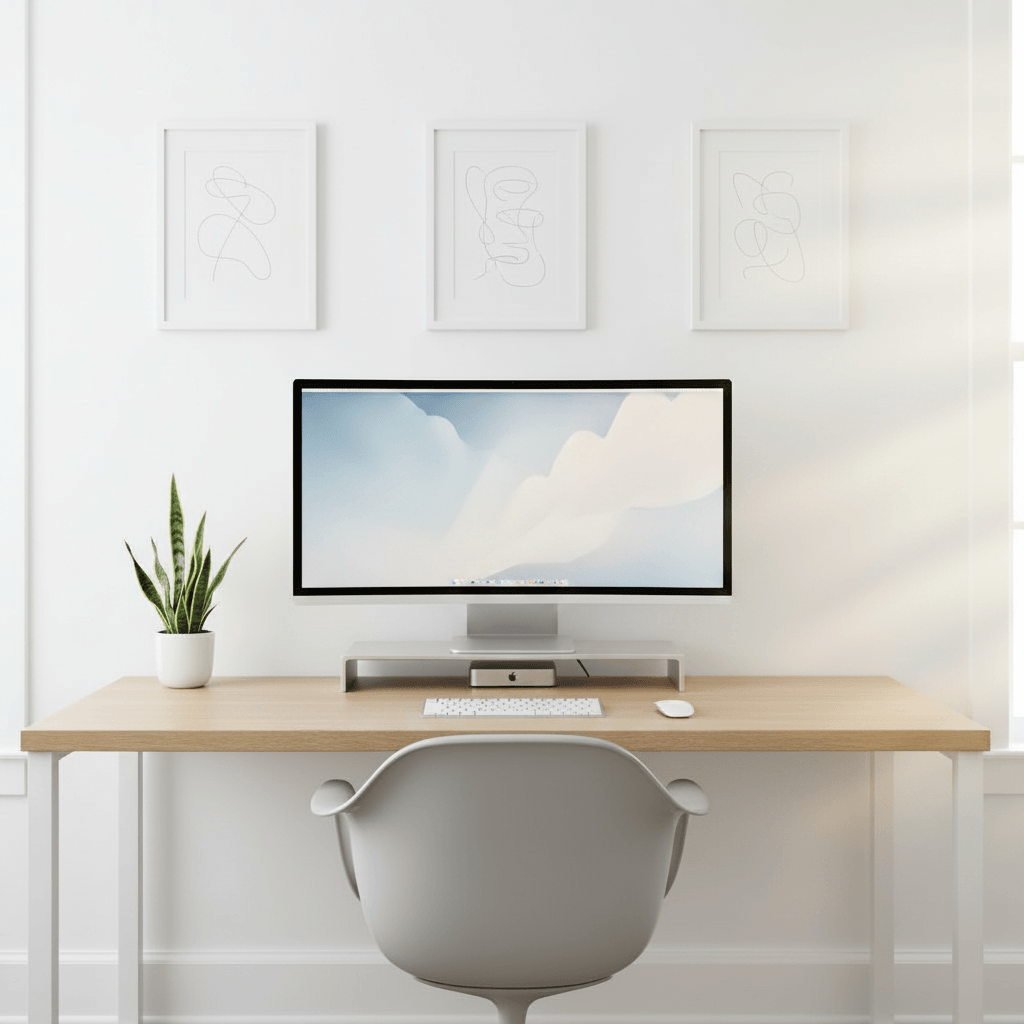
Same desk, decluttered
After
Dual 27" · mic · ambient

14,200+

Setups generated

6,300+

Active designers

4.9 / 5

Avg. rating

30 sec

To first render
FAQ

Workspace visualizer
questions, answered

What is a workspace visualizer?

A workspace visualizer is a tool that renders an imagined workspace into a photo of your real room so you can see it before building it. Instead of holding a vague picture in your head or scrolling inspiration that lives in someone else's space, you get a photoreal image of your own room with the future setup in it — sized to your geometry and matched to your light.

Is the workspace visualizer free?

Yes. You can create visualizations, save them and browse the gallery for free with no credit card required. The free plan includes a set number of generations each month and every style preset. Pro adds unlimited generations, higher-resolution 4K exports, the full real-product catalog, layered editing and a priority render queue.

Do I need a photo of my room?

It's the best way to get a grounded result, since the visualizer renders your idea into your actual space. But you don't have to start there. You can begin from a blank canvas, explore directions without a room photo, and upload one later to drop your favorite visualization into your real room when you're ready.

How is this different from a mood board?

A mood board collects separate images of things you like; it never shows them together in your space. The visualizer renders a single, unified picture of the whole workspace inside your own room, at real scale and in your room's light. You see the finished combination rather than a wall of disconnected inspiration you still have to imagine assembled.

How long does a visualization take?

About thirty seconds for the first render. Re-rendering variations is usually quicker, and Pro users get priority compute so comparisons come back faster even when the queue is busy.

Can I compare different versions of my workspace?

Yes, and it's one of the most useful things you can do. Generate several directions for the same room, save them, and set the visualizations side by side. Comparing real images at the same scale and lighting makes the right choice obvious in a way that comparing ideas in your head never can.

What kinds of workspaces can I visualize?

Almost any — home corners, creative studios, study nooks, minimal setups, dual-display stations and statement spaces all work. You can lean clean and restrained or rich and expressive, and any photo with the work area and at least one wall visible will produce a strong, believable visualization.

Last call

Stop imagining it.
Look at it instead.

One photo, thirty seconds, and the workspace in your head shows up in your real room. Free to try.

Free to try · No card required · 30 sec to first render